
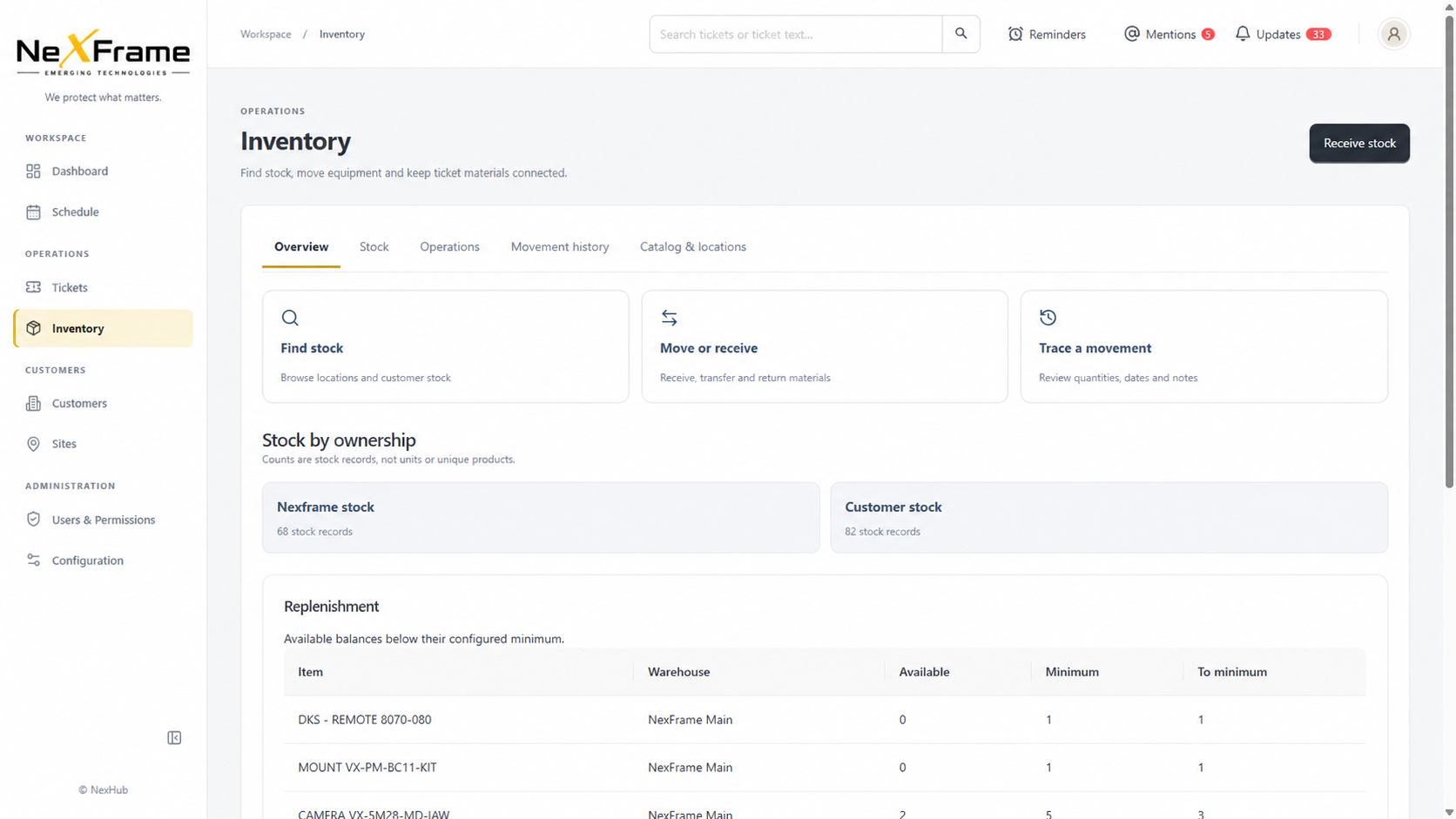
01 / INVENTORY
Stock with clear ownership.
See company and customer-owned stock, receive or move materials, trace movements and spot balances below their minimum.
The connected operations platform
Bring customers, sites, systems, assets and service work into a clearer operational picture. Built for the teams who keep the physical and connected world running.
One platform. Multiple technical disciplines. A better view of the work.
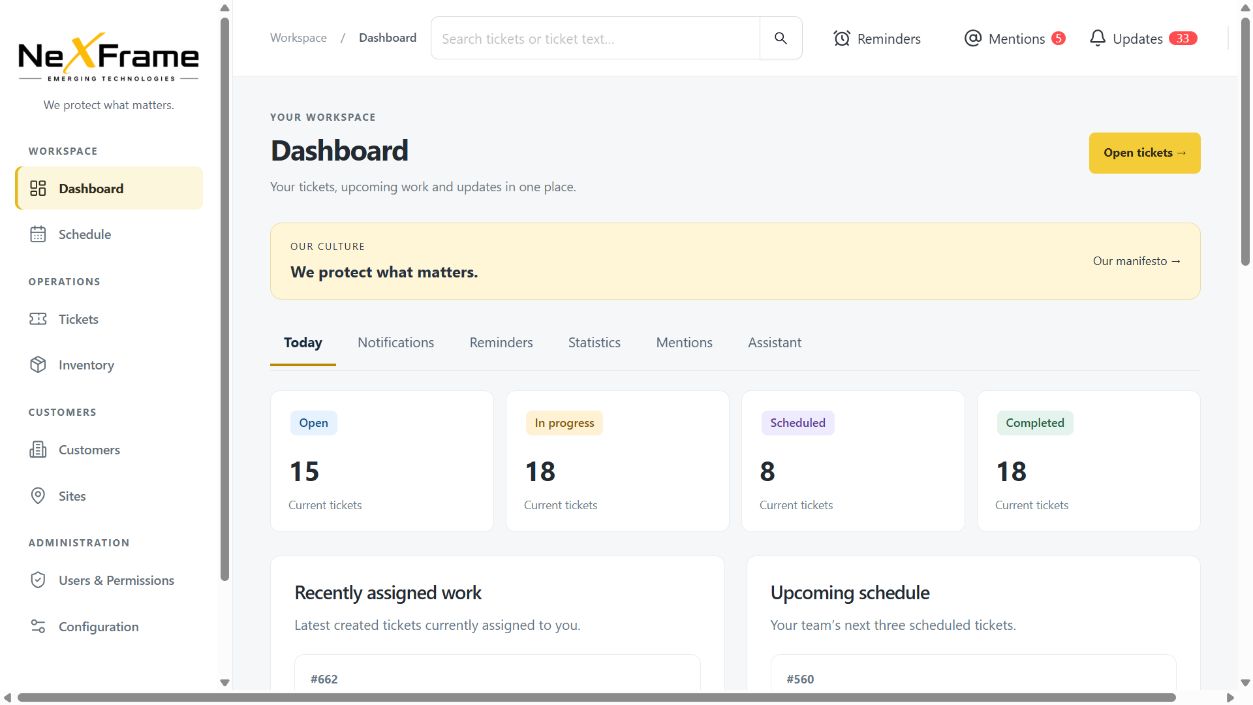
 NEXHUBTECHNICAL OPERATIONS
Security Automation Telecom Networking IoT AV Building systems
01 / THE CHALLENGE
Technical service companies operate across people, places, equipment and time. When those records live in separate systems, even simple answers become hard to find.
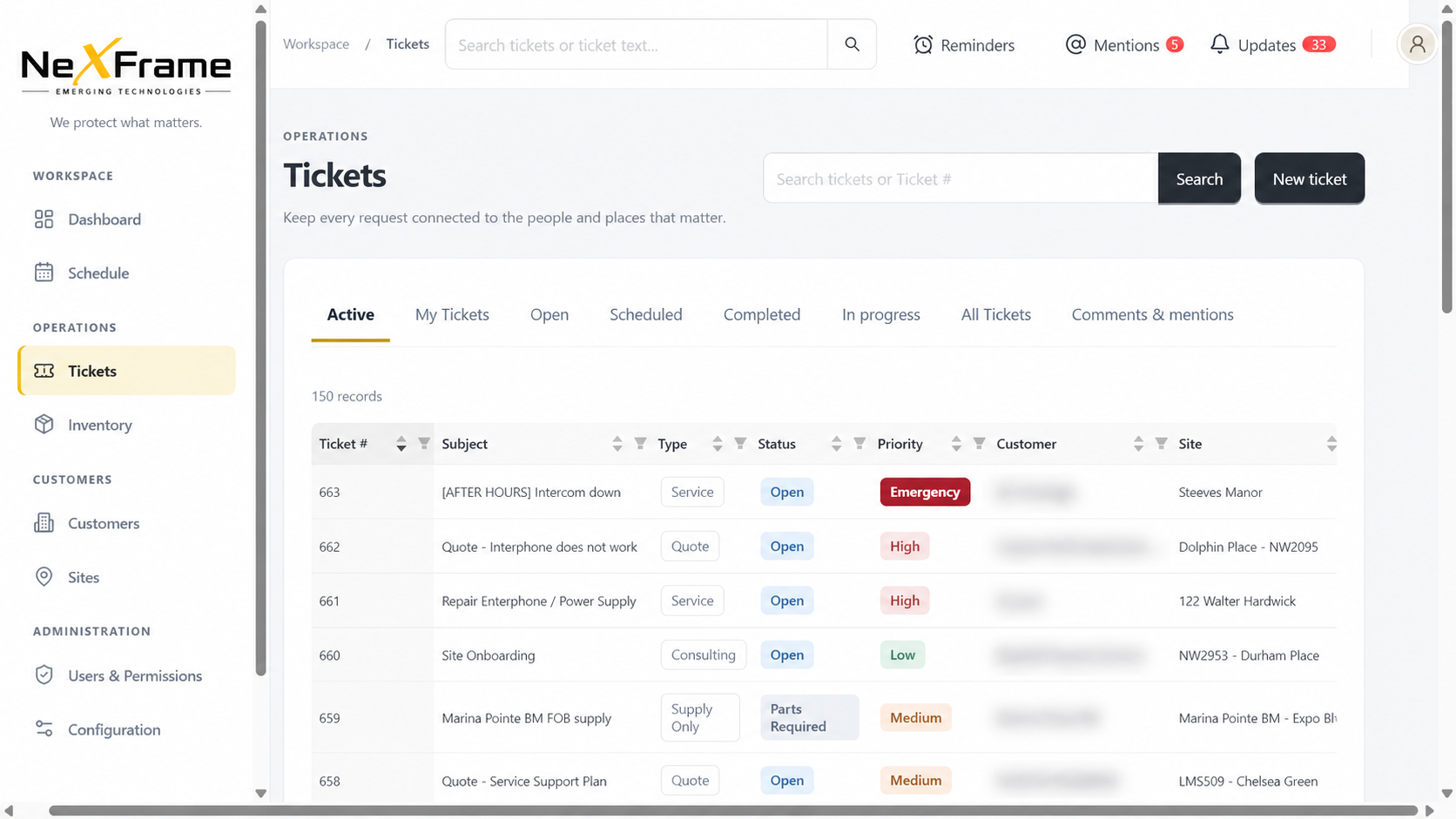
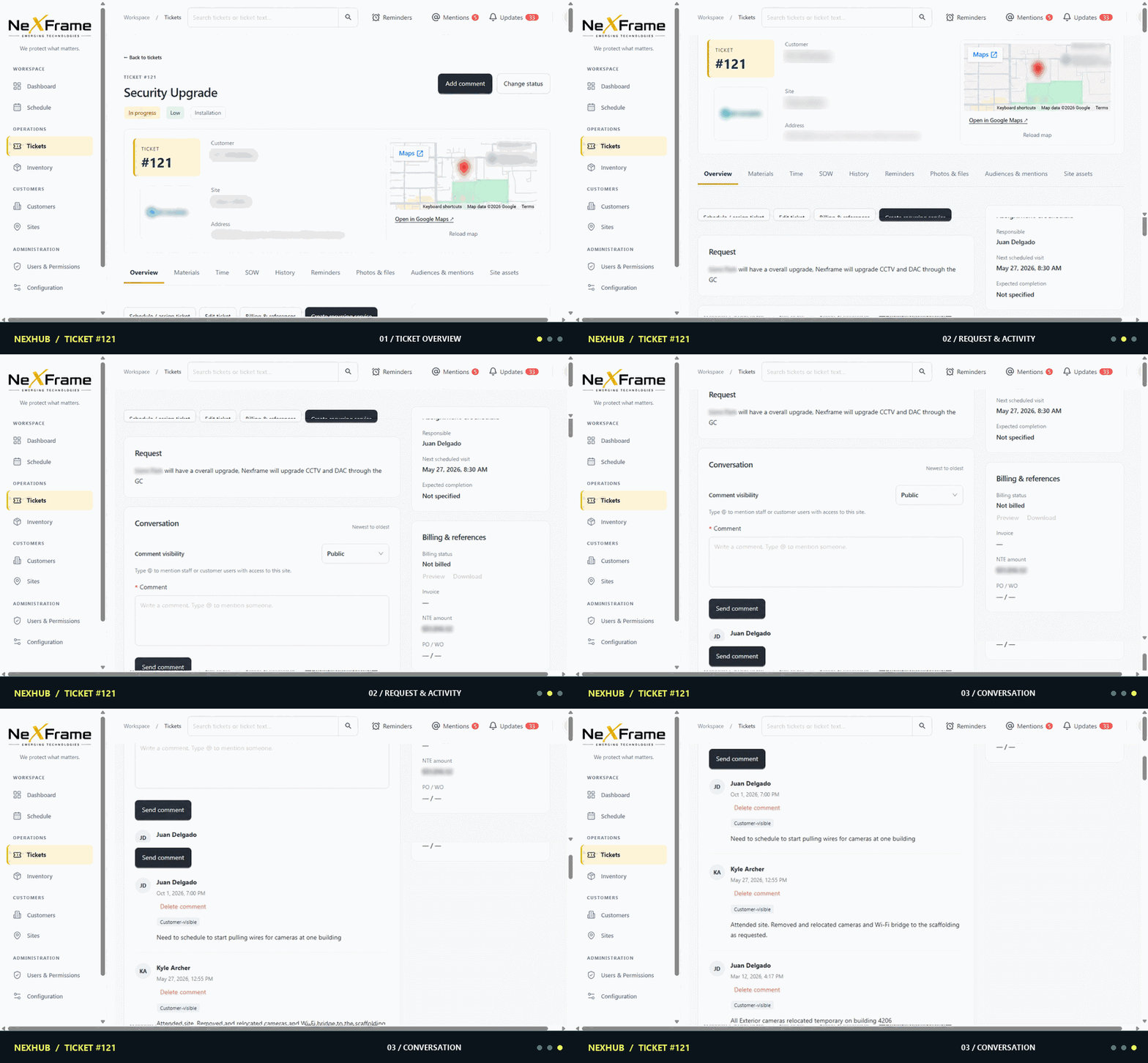
Tickets bring type, status and priority into a shared workspace.
02 / THE PLATFORM
Nexhub is being shaped around the relationships that matter in real service work: who you serve, where systems live, what is installed, and what happened next.
Explore the Nexhub platform in more detail
Keep the people, locations and operating context behind every job in view.
Organize installed infrastructure and the details teams need to service it.
Connect requests, work history and updates back to the right customer and site.
Give teams a shared starting point for decisions across the operation.
ASSET INTELLIGENCE
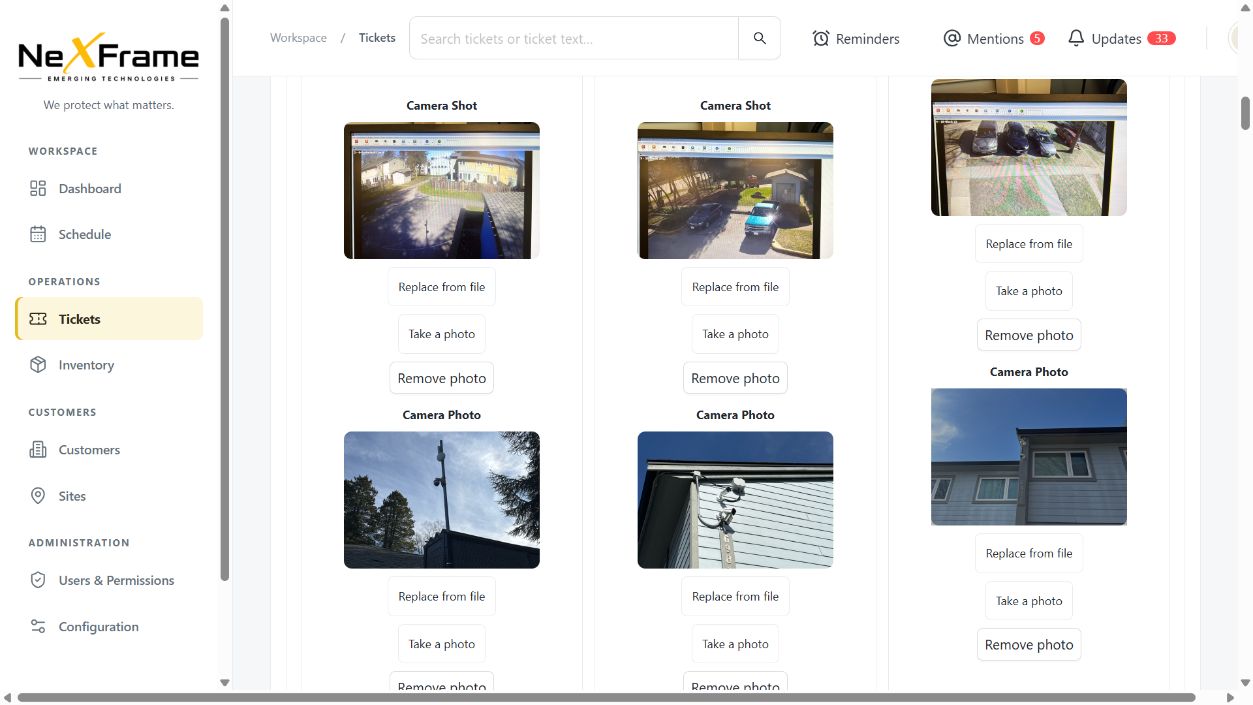
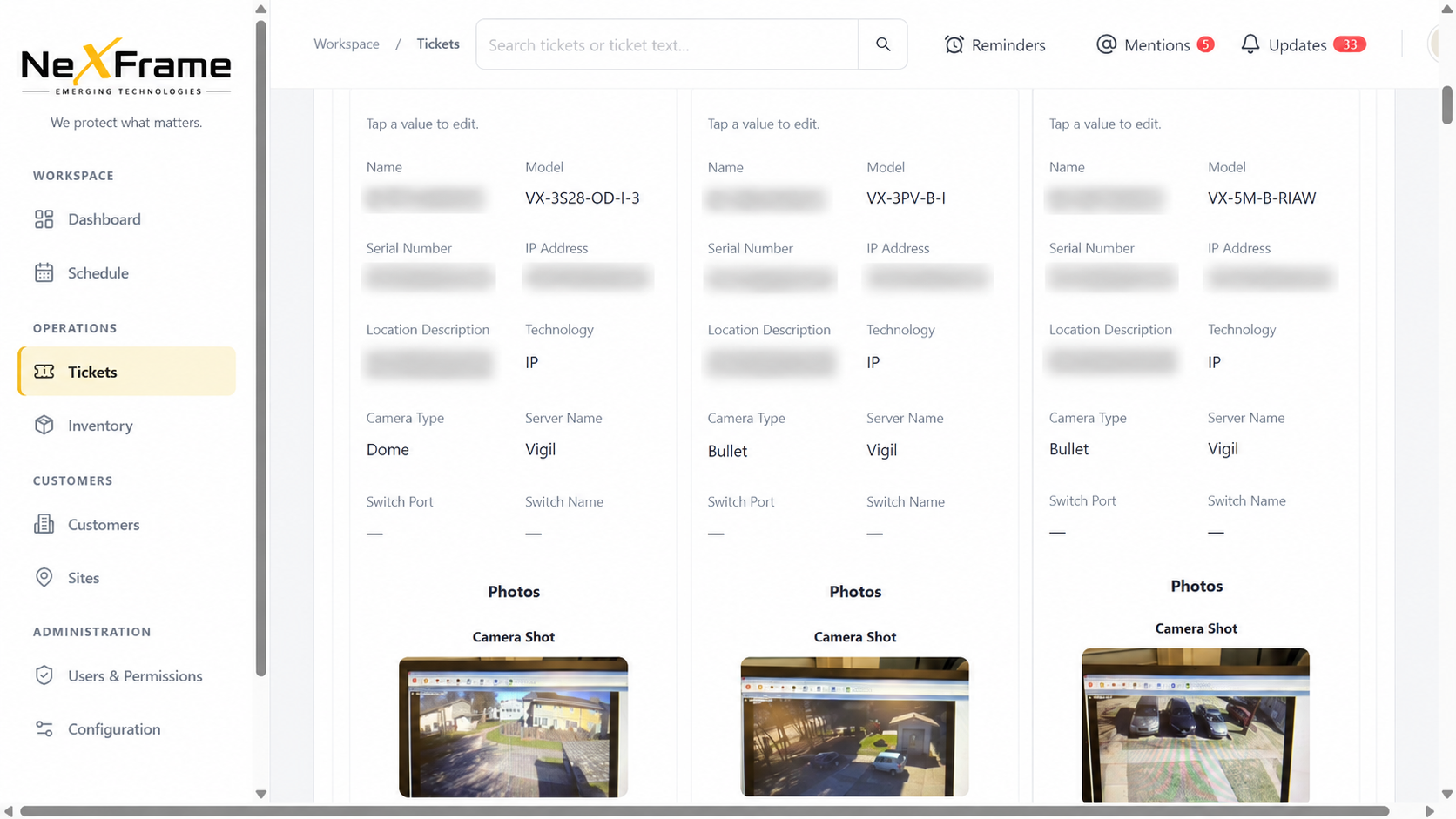
Bring equipment details, photos and site context together across security, automation, networking, IoT, AV, fire, HVAC and electrical work. Cameras are one example of the technical records teams can inspect.
DRAWINGS & MAPS
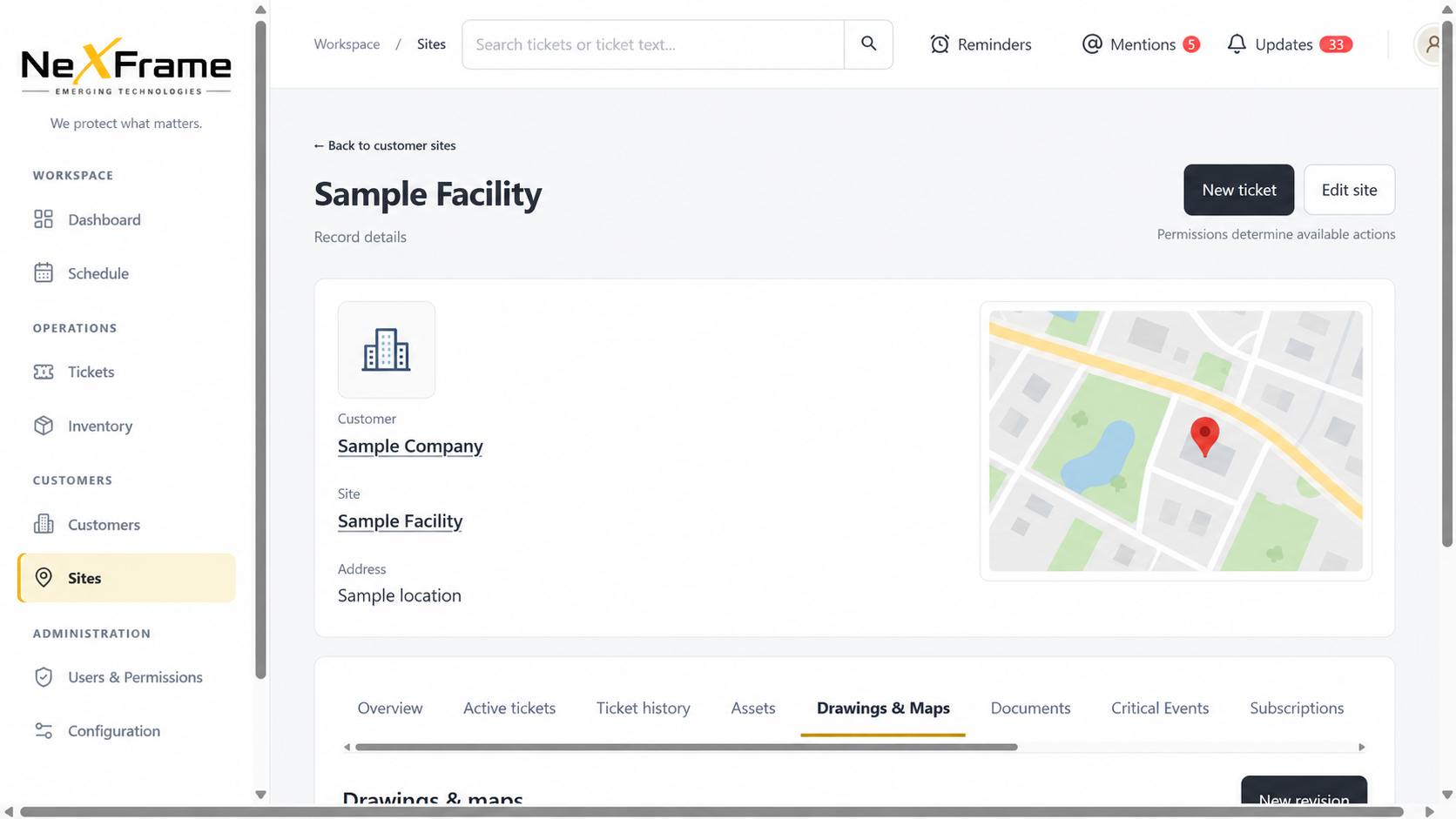
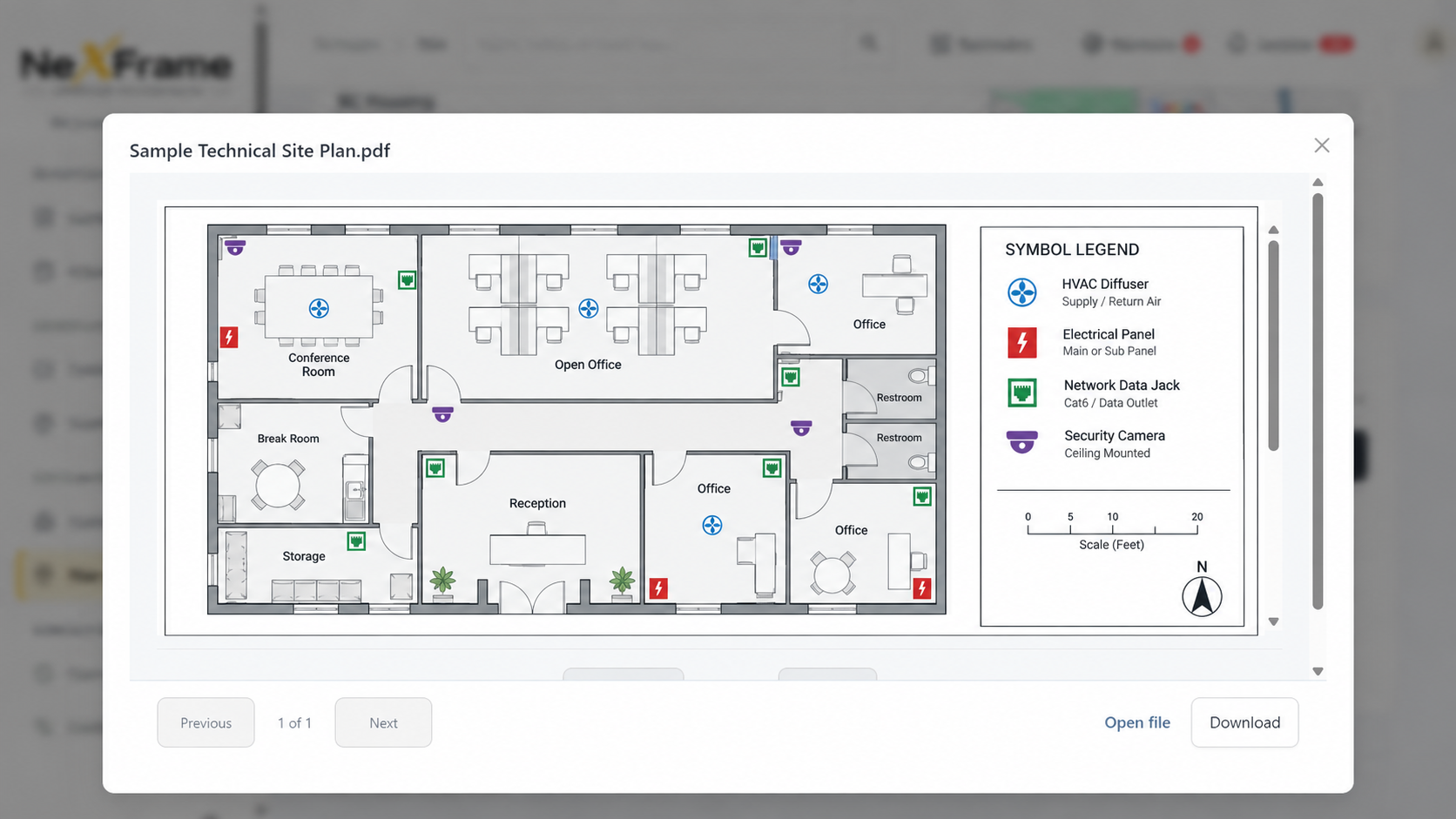
Site maps and technical drawings give teams another layer of context before they arrive, troubleshoot or plan the next visit.
A QUICK TOUR
Move from the dashboard through scheduling, tickets and a camera example, then see how maps and drawings add site context.
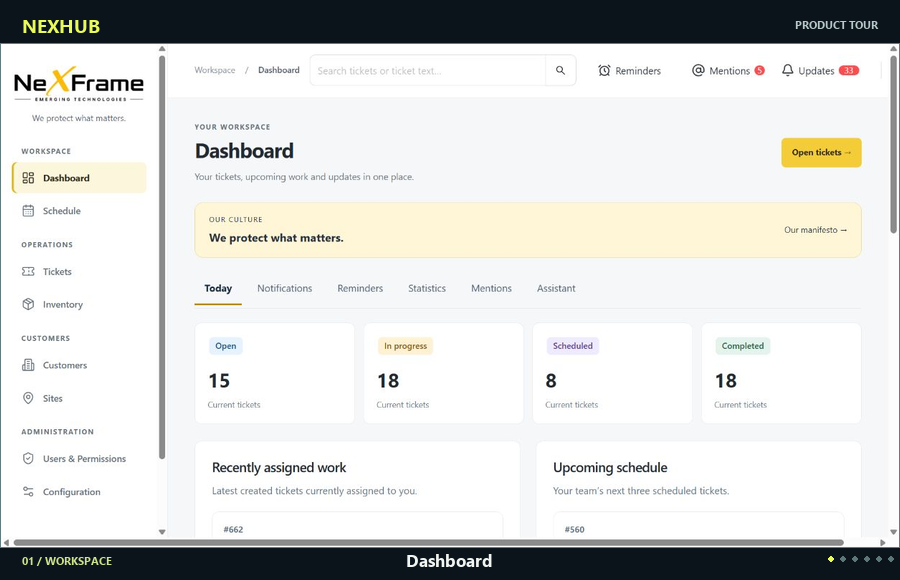
Dashboard Schedule Tickets Conversation Asset example Map Drawing
SERVICE WORK IN MOTION
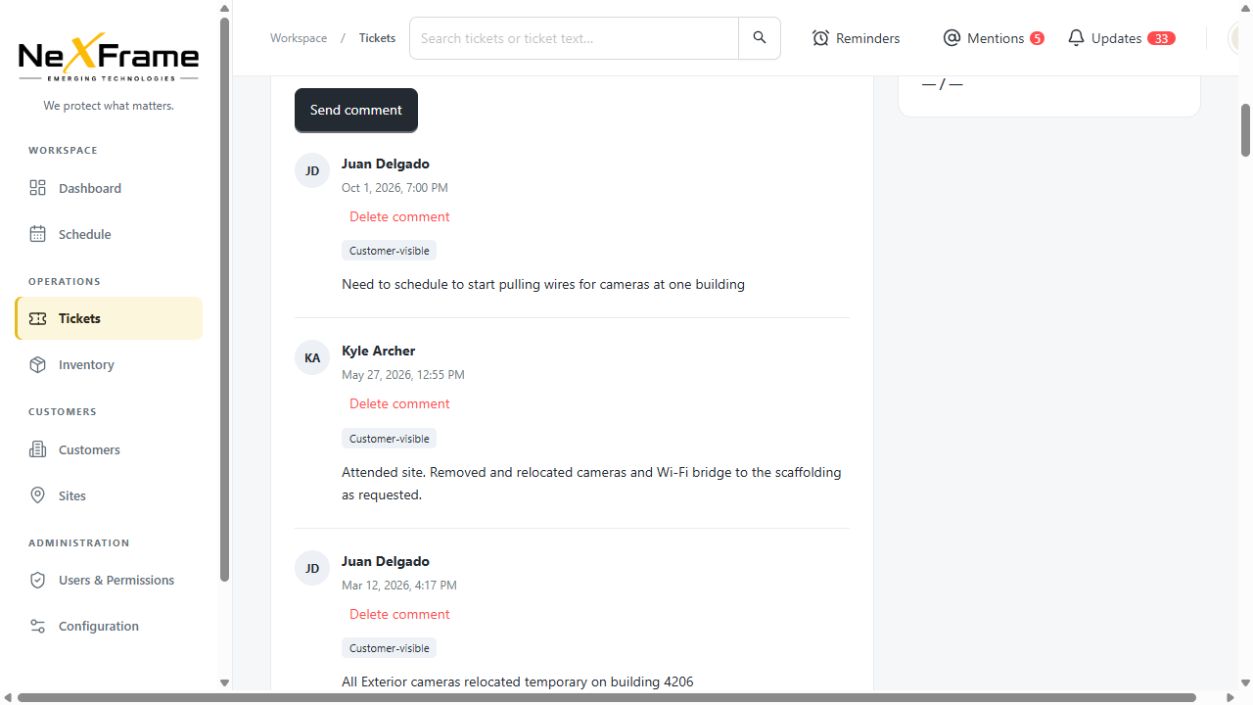
See the full service story, from the initial request to the updates that keep everyone aligned.
PRODUCT IN VIEW
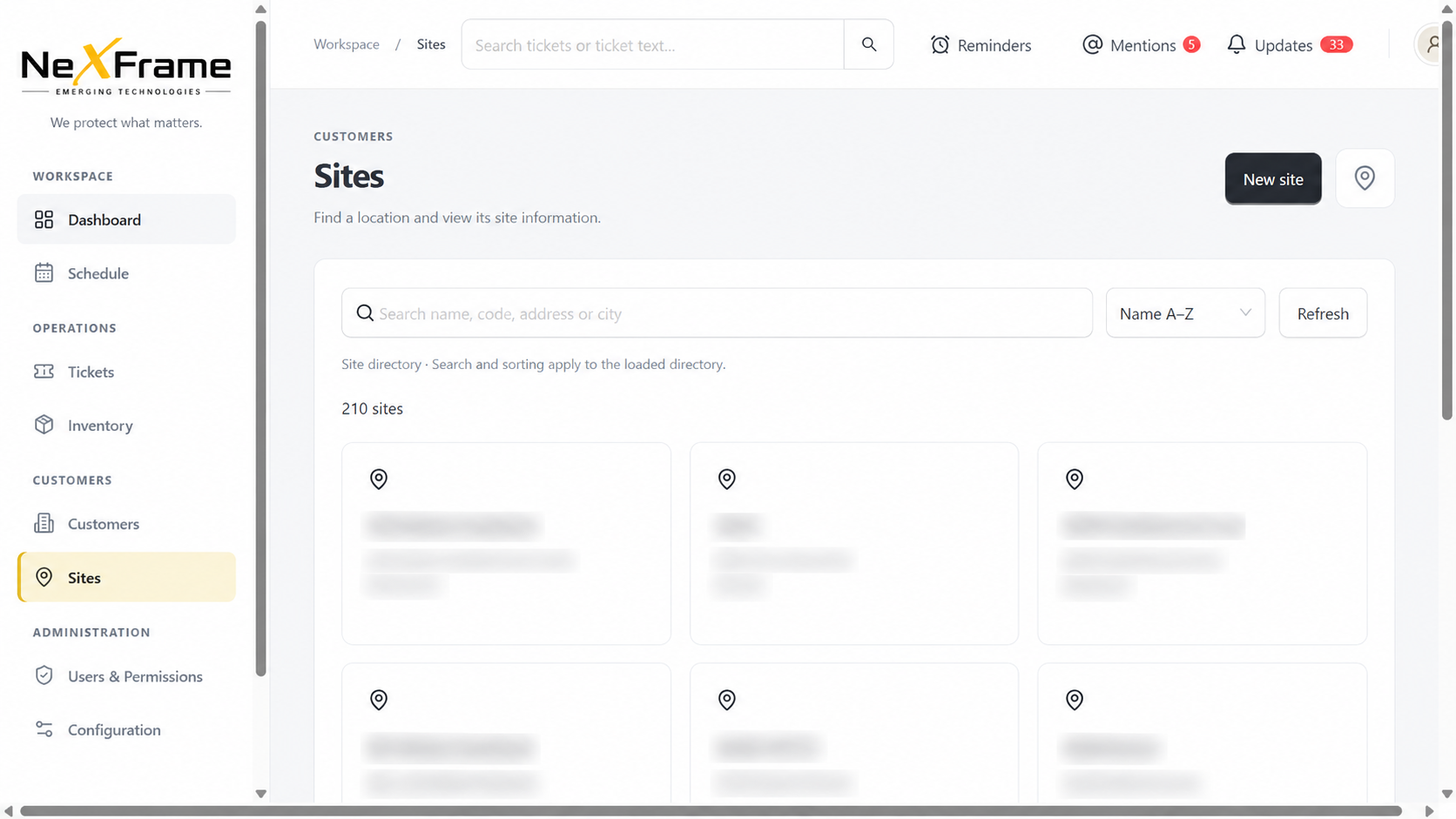
Explore the current application across work, tickets, scheduling, sites, conversations, equipment details and drawings. See how these views fit your own workflows in a guided demo.
See a guided demo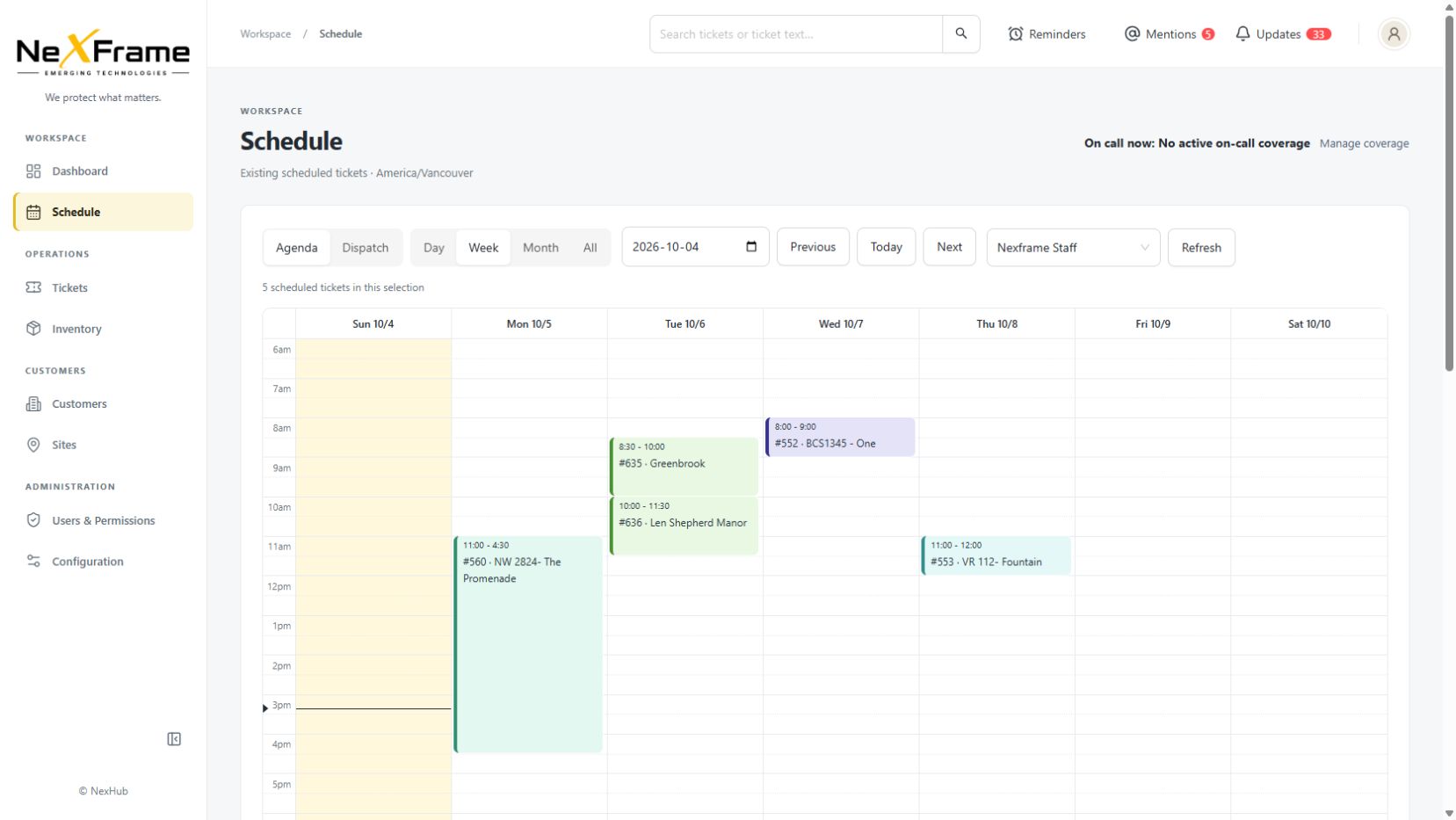
03 / MORE TO RUN THE OPERATION
Bring inventory, reporting, billing and access decisions into the same operating picture.
See company and customer-owned stock, receive or move materials, trace movements and spot balances below their minimum.
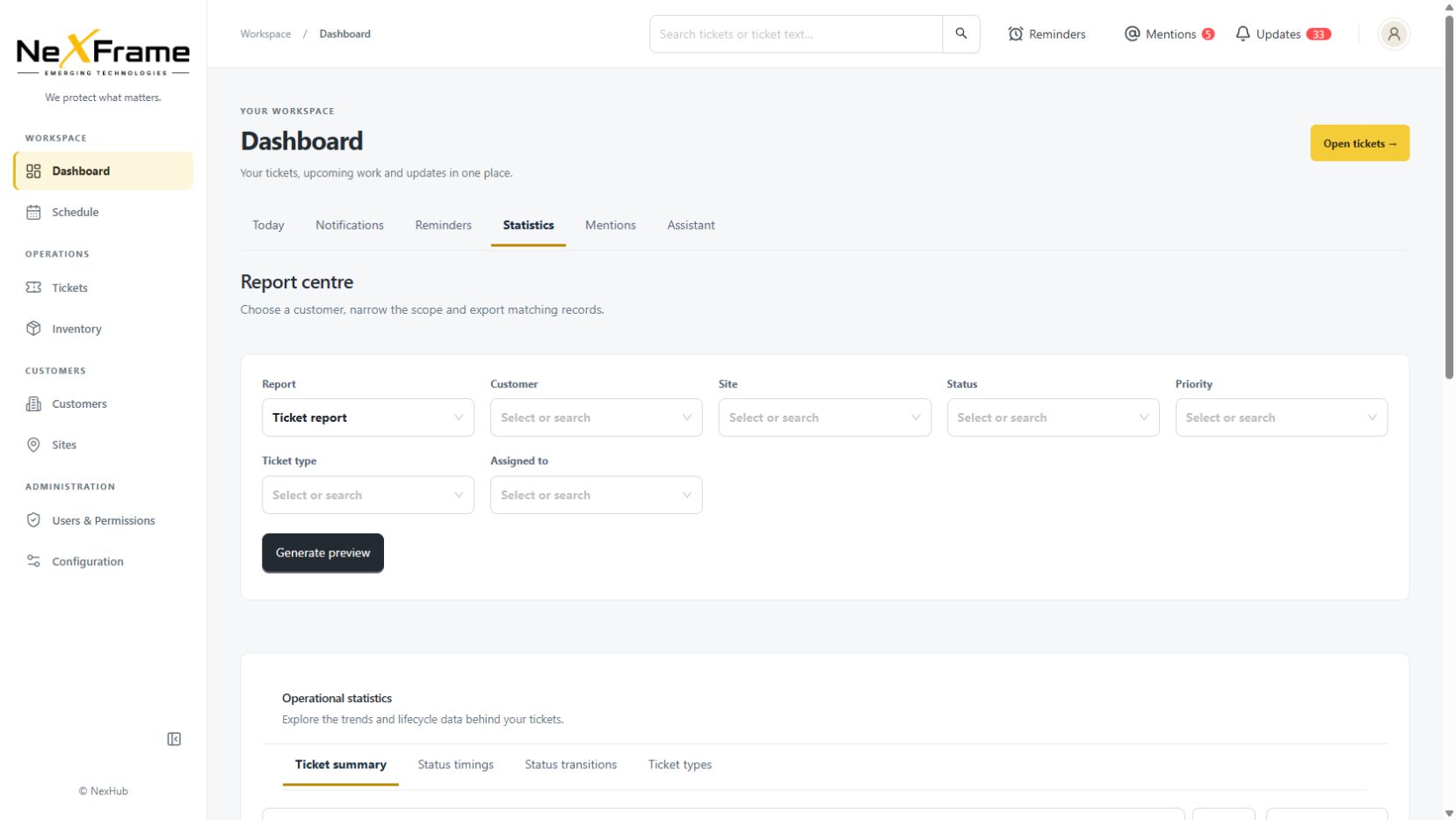
Filter ticket and inventory reports, explore ticket status and timing trends, and export matching records.
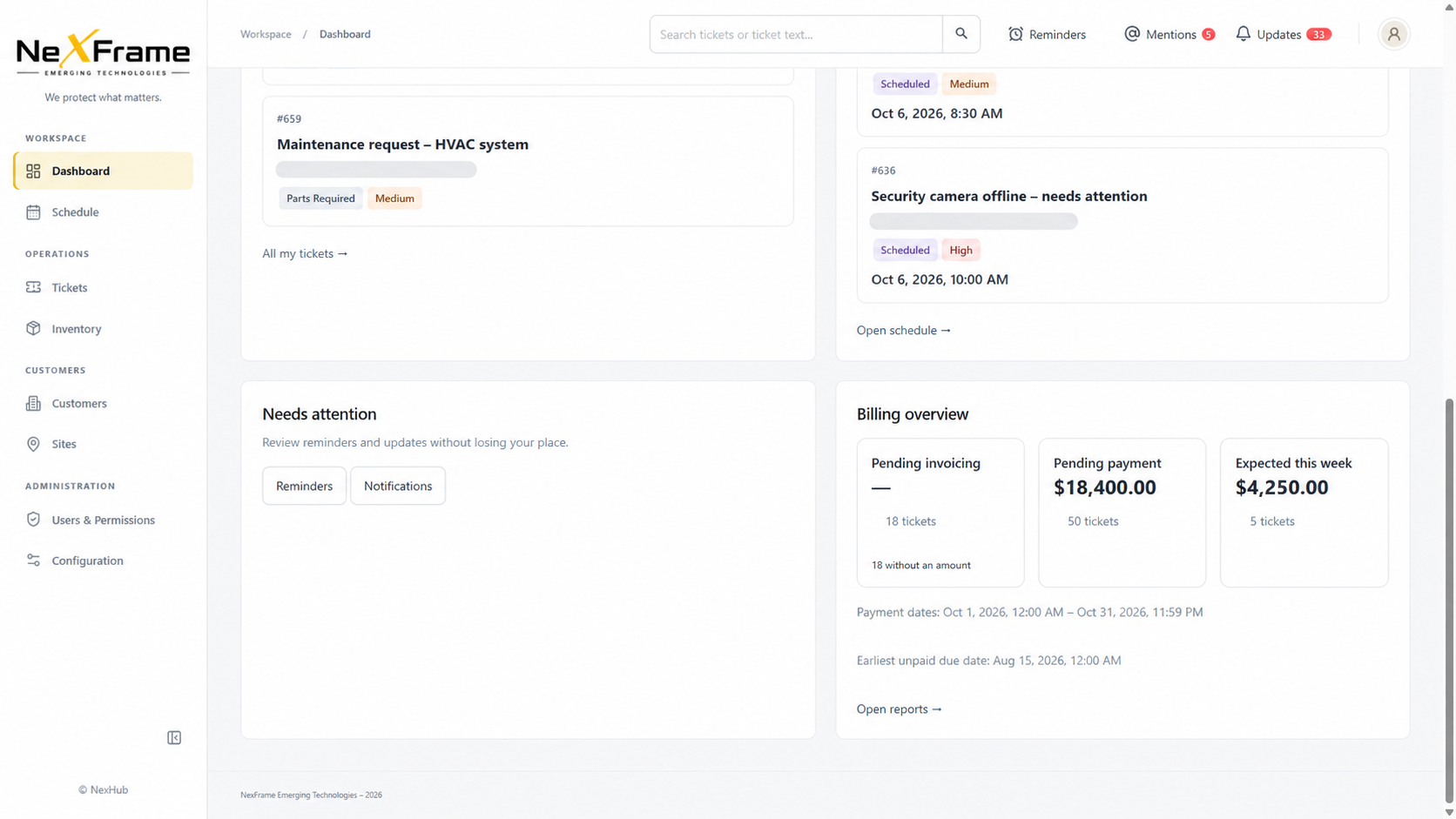
Keep pending invoicing, outstanding payments and near-term payment forecasts in view as service moves from billed to paid.
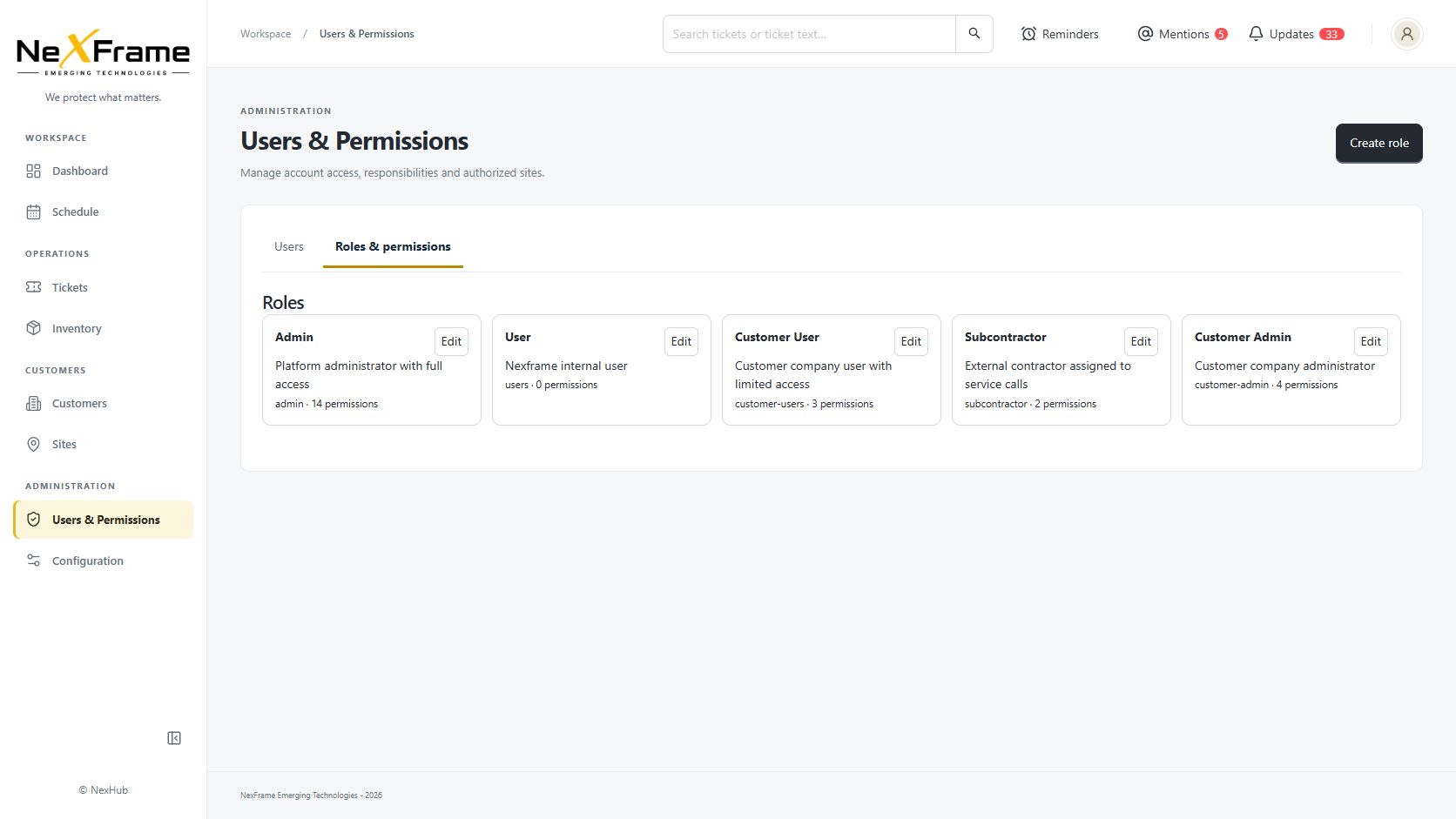
Manage roles, permissions and authorized sites for staff, subcontractors and customers. Give customers visibility into the work that concerns them.
04 / QUOTES & PROPOSALS
Move from a customer request to a clear quote or proposal with the site, scope and service history in view. Give your team a stronger handoff when approved work is ready to move forward.
Explore quotes & proposals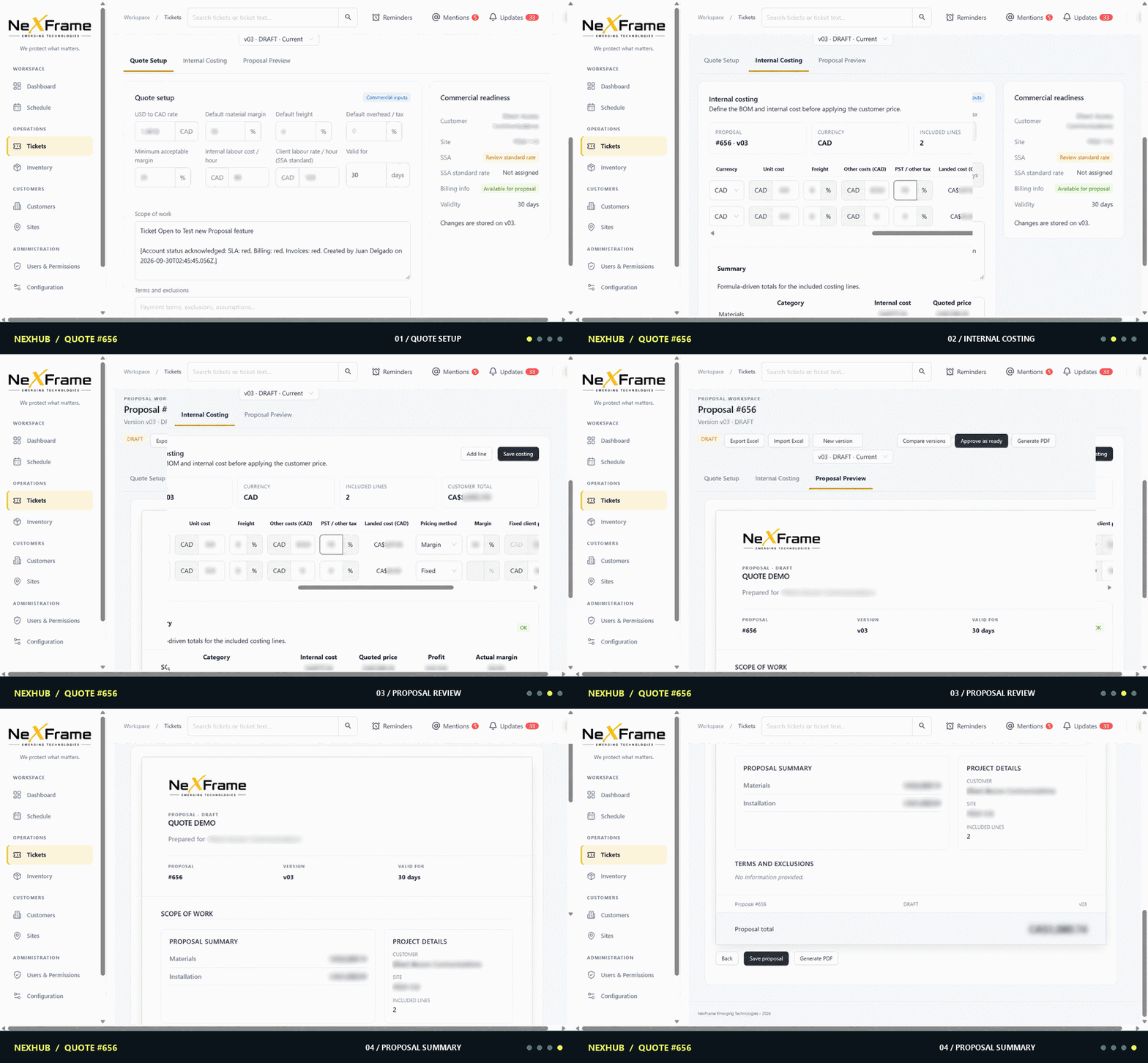
05 / INDUSTRIES
From a single specialist team to a company serving many disciplines, Nexhub is designed for the operational complexity behind technical services.
Security, access control, surveillance, fire and life safety.
Building systems, HVAC controls, automation and electrical work.
Telecommunications, networking, connected devices and infrastructure.
AV, systems integration and related field service operations.
Explore technical service industries · Your discipline not listed? Tell us about your operation.
A location directory links places to the systems and service work behind them.
06 / FOUNDING PARTNERS
We are inviting a small group of technical service companies to help refine Nexhub around real workflows and real operational needs.
Discuss founding partnershipTHE CONVERSATION
Show us where your operation loses context today.
Walk through your customers, sites, assets and service workflows.
Explore whether Nexhub is a fit for a closer product partnership.
A shared history gives teams a clearer place to coordinate and follow up.
07 / START A CONVERSATION
Tell us a little about your company. We’ll follow up to learn about your work and the right next step.
Request a guided demo, ask about early access, or explore a founding partnership.